Setup
Resellers
Contact Us
SETUP GUIDES
Install MovieMagic on any device
Pick your device from the list and follow the step-by-step guide.
TABLE OF CONTENTS
01
Android TV
02
Samsung Smart TV
03
Amazon Firestick
04
PC (Windows / Mac)
05
Android Phone & Tablet
06
iPhone & iPad
Android TV
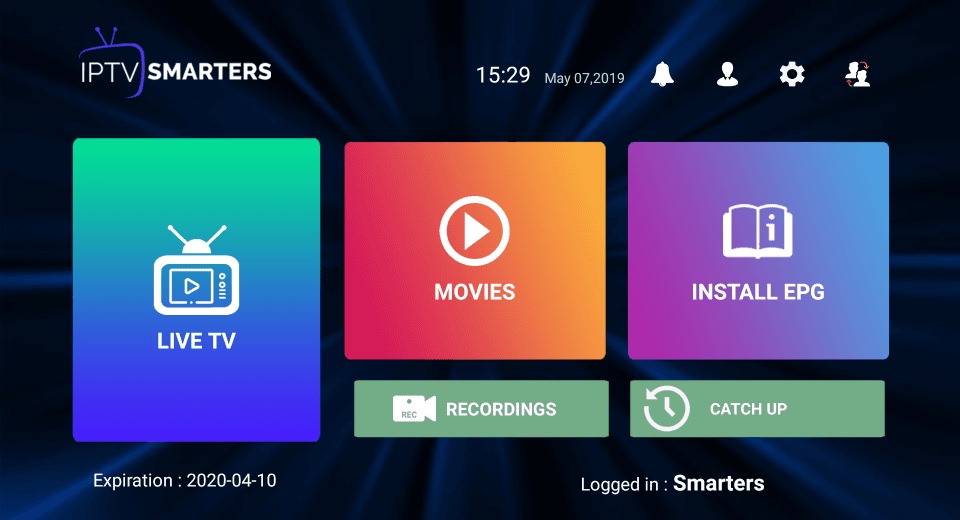
Download the IPTV Smarters lite app on your Android TV.
Login to the application with your subscription details (sent to you by email after purchase).
After login, upgrade to the Premium Version to unlock exclusive features.
Samsung Smart TV
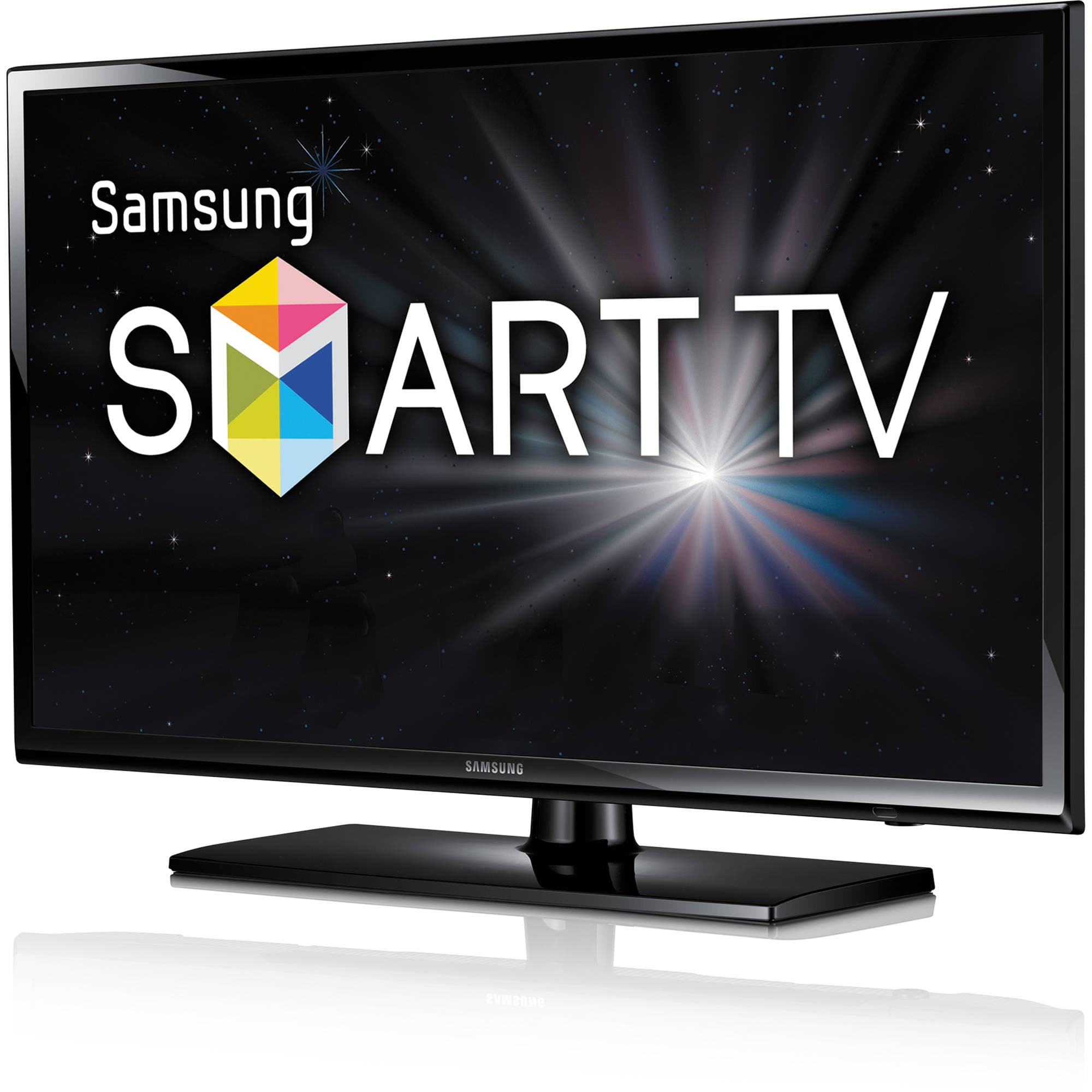
After connecting your Samsung TV to the internet, open the Samsung Smart Hub app.
Navigate to Search and type IPTV Smarters lite to find the app.
Click Install and download the app onto your Samsung TV.
Open the app and log in with your subscription details: Username, Password and Portal URL.
Note: Premium Version features are not available on Samsung Smart TVs.
Amazon Firestick
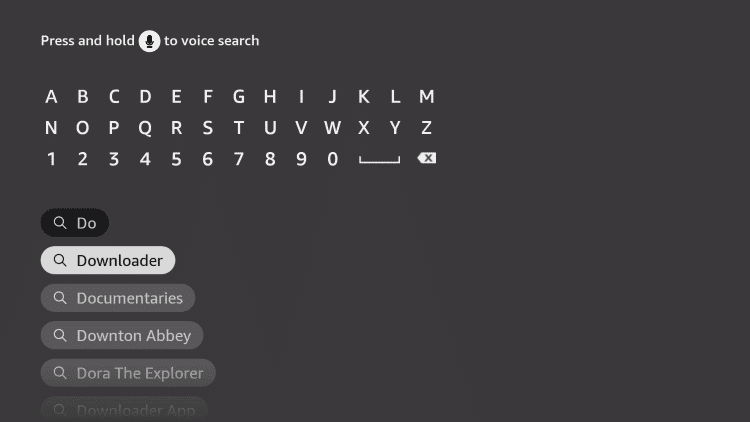
Turn on your Fire TV device and click on the Search icon.
Type Downloader using the remote.
Click Download to install the Downloader app from the Amazon App Store.
Go to Settings → My Fire TV → Developer Options → Install Unknown Apps → Downloader → Turn on.
Open the Downloader app, enter the full APK link and install the IPTV app.
Once installed, select Open to launch the IPTV app and log in with your subscription details.
PC (Windows / Mac)
Open a web browser on your PC.
Search for IPTV Smarters and download the APK from the official website.
Visit bluestacks.com and install the BlueStacks emulator.
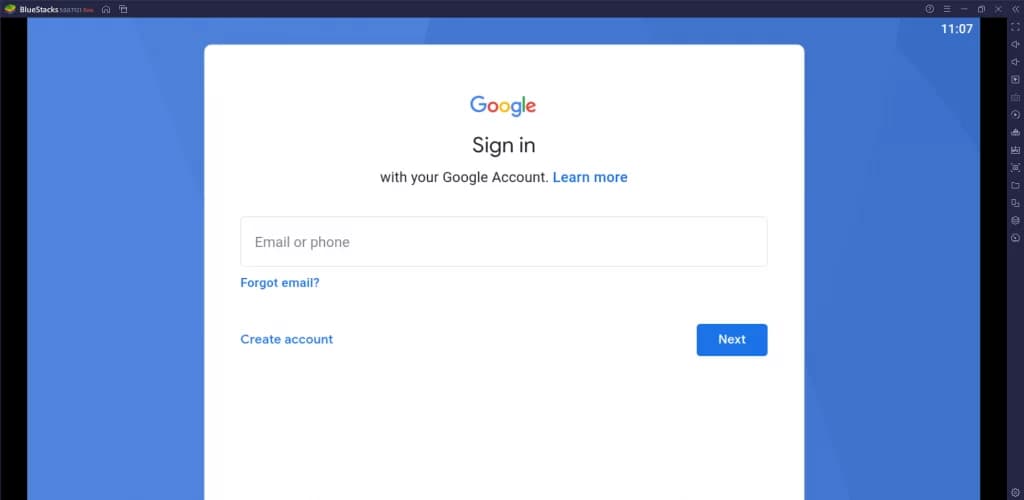
Open BlueStacks and sign in with your Google account.
Select Install APK on the right-hand menu and choose the IPTV APK file.
Log in to the application with your subscription details.
Android Phone & Tablet
Download the IPTV Smarters lite app from the Play Store.
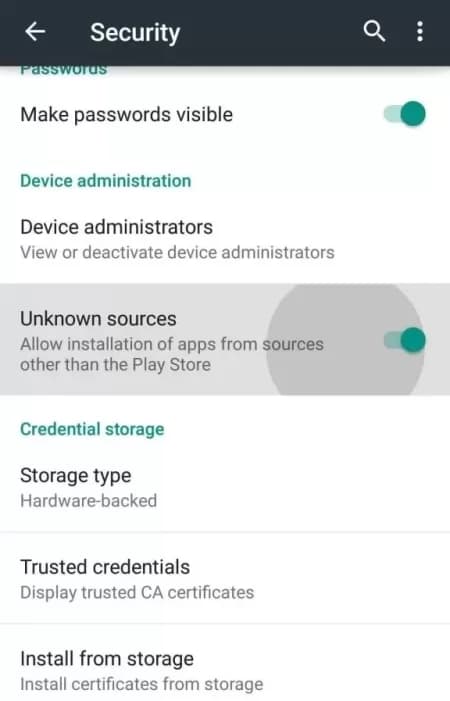
Under Device Administration, enable the Unknown Sources option (if installing via APK).
Log in to the application with your subscription details.
After login, upgrade to the Premium Version to unlock exclusive features.
iPhone & iPad
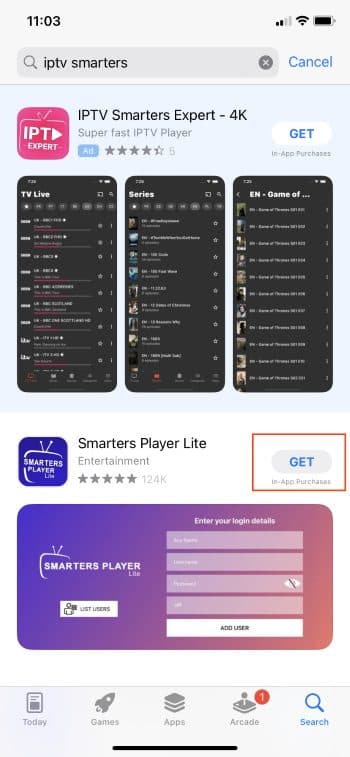
Unlock your iPhone/iPad and open the App Store.
Search for IPTV Smarters and tap Get to install it.
Launch the IPTV Player by tapping Open.
Log in with your subscription details (provided in your activation email).
Ready to
start streaming?
Pick a package and we'll email your login details within one business day.
View packages →
Contact Us
 South Africa's premium IPTV — movies, series, sports & live TV on every device.