
Setup Guides
Follow these step-by-step guides to set up Movie Magic on your device. Need help? Contact our support team at helpdesk@moviemagic.ioAndroid TV Box / Ematic 4K - Connect your Ematic 4K box to your TV via HDMI
- Connect to your WiFi network
- Open the pre-installed IPTV app
- Enter your licence credentials
- Start watching immediately
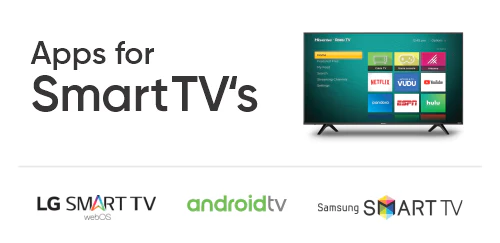
- Open the app store on your Smart TV
- Search for the recommended IPTV player
- Download and install the app
- Enter your licence credentials
- Enjoy all your channels
- Open Google Play Store
- Search for the recommended IPTV player
- Download and install the app
- Enter your licence credentials
- Watch on the go
- Open the Apple App Store
- Search for the recommended IPTV player
- Download and install the app
- Enter your licence credentials
- Stream anywhere
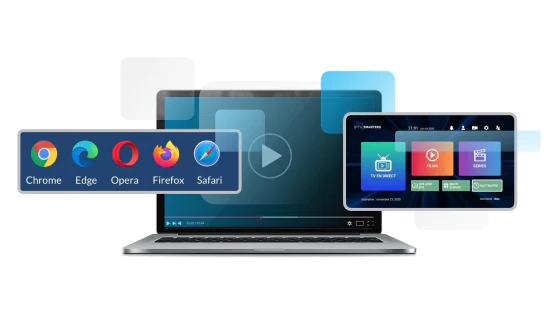
- Download the recommended IPTV player for Windows
- Install the application
- Open the app and enter your licence credentials
- Configure your channel list
- Start watching on your PC
- Enable apps from unknown sources in settings
- Download the Downloader app
- Install the recommended IPTV player
- Enter your licence credentials
- Enjoy streaming on Fire Stick
Need help? Our support team is available at helpdesk@moviemagic.io